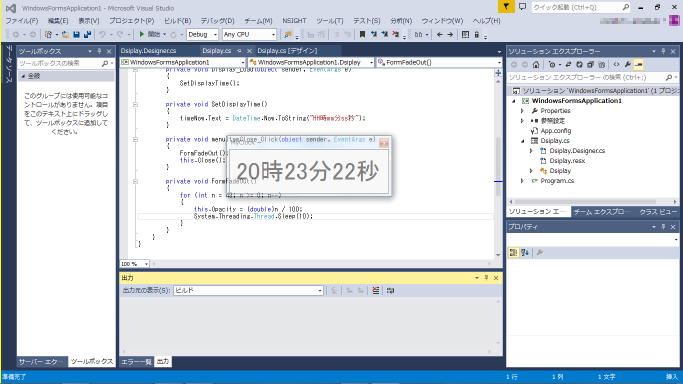
Visual Studioを触って気分転換

vs2013.png

このところArduino IDEばかり使ってきたので、ちょっと気分転換にMicrosoftのVisual Studioを使ってみました。

といっても、こちらの連載記事を一通りやってみたというだけです。

Insider.NET > 連載:簡単! Visual Studio 2013入門 – @IT

私のWindows上での開発経験は乏しく、5年以上前にTurbo Delphiをしばらく使っていたのみです。
しかし、Visual Studioは感覚的にはTurbo Delphiと大きくは違わず、意外とすんなり入れました。

やっぱりデバッガでステップ実行や変数のインスペクタが使えるのは良いですね。
ArduinoはIDEといっても実質的にはデバッガ機能は皆無ですので、デバッグではストレスが溜まります。

コメント

This website stores cookies on your computer. These cookies are used to provide a more personalized experience and to track your whereabouts around our website in compliance with the European General Data Protection Regulation. If you decide to to opt-out of any future tracking, a cookie will be setup in your browser to remember this choice for one year.

Accept or Deny

タイトルとURLをコピーしました